


Download The Chess+ : PC & XBOX – chess, strategy, puzzle, offline, multiplayer, AI, board game, tactical, training, analysis
Overview
The Chess+ : PC & XBOX offers a refined chess experience designed for players across all skill levels, combining strategic depth with accessible gameplay. The app functions as both a competitive platform and a mental training tool, enabling users to sharpen their tactical decision-making through consistent practice. It is particularly well-suited for individuals seeking an ad-free, offline environment to focus on the game without distractions.
Whether used for casual play, skill development, or social interaction, The Chess+ provides a comprehensive solution for chess enthusiasts. The developer, Chess+ Team, appears to prioritize user experience and privacy, as the app operates without ads, in-app purchases, or data collection. This commitment to a clean, uninterrupted experience positions the app within a niche segment of the strategy genre that values authenticity and long-term engagement.
Real-world use cases include solo training sessions, family game nights, and competitive practice against intelligent AI opponents. Its availability on both PC and Xbox also expands its accessibility across different gaming ecosystems, allowing players to switch between devices seamlessly. The app contributes meaningfully to the digital board game landscape by offering a focused, no-frills alternative to more commercialized chess platforms.
Key Features & Functionality
- Smart A.I. Challenges: The app features a dynamic chess engine with adjustable difficulty levels, allowing players to match their skill level—whether they are just learning the rules or mastering advanced tactics. This ensures that every game remains engaging and appropriately challenging.
- Comprehensive Game Analysis: After each match, users can review their gameplay in detail, identifying missteps and missed opportunities. This analytical tool supports long-term improvement by reinforcing strategic thinking and pattern recognition.
- Custom Board Editor: Players can set up specific positions or create custom puzzles to target weak areas in their game. This feature is especially useful for practicing endgame scenarios or complex tactical sequences.
- All-in-One Accessibility: The app functions entirely offline with no ads, in-app purchases, or data tracking. This allows uninterrupted gameplay and enhances privacy, making it ideal for focused training or relaxed play.
- Local Multiplayer Fun: The ability to play with friends or family on the same device enables real-time, lag-free competition. It fosters social engagement and is perfect for shared entertainment in home environments.
These features collectively support a learning-oriented yet enjoyable chess experience. For instance, a beginner can use the AI at a lower difficulty to build confidence, while an advanced player can use the board editor to simulate tournament-level positions. The analysis tool helps users reflect on their decisions, turning each game into a learning opportunity.
Interface, UX & Performance
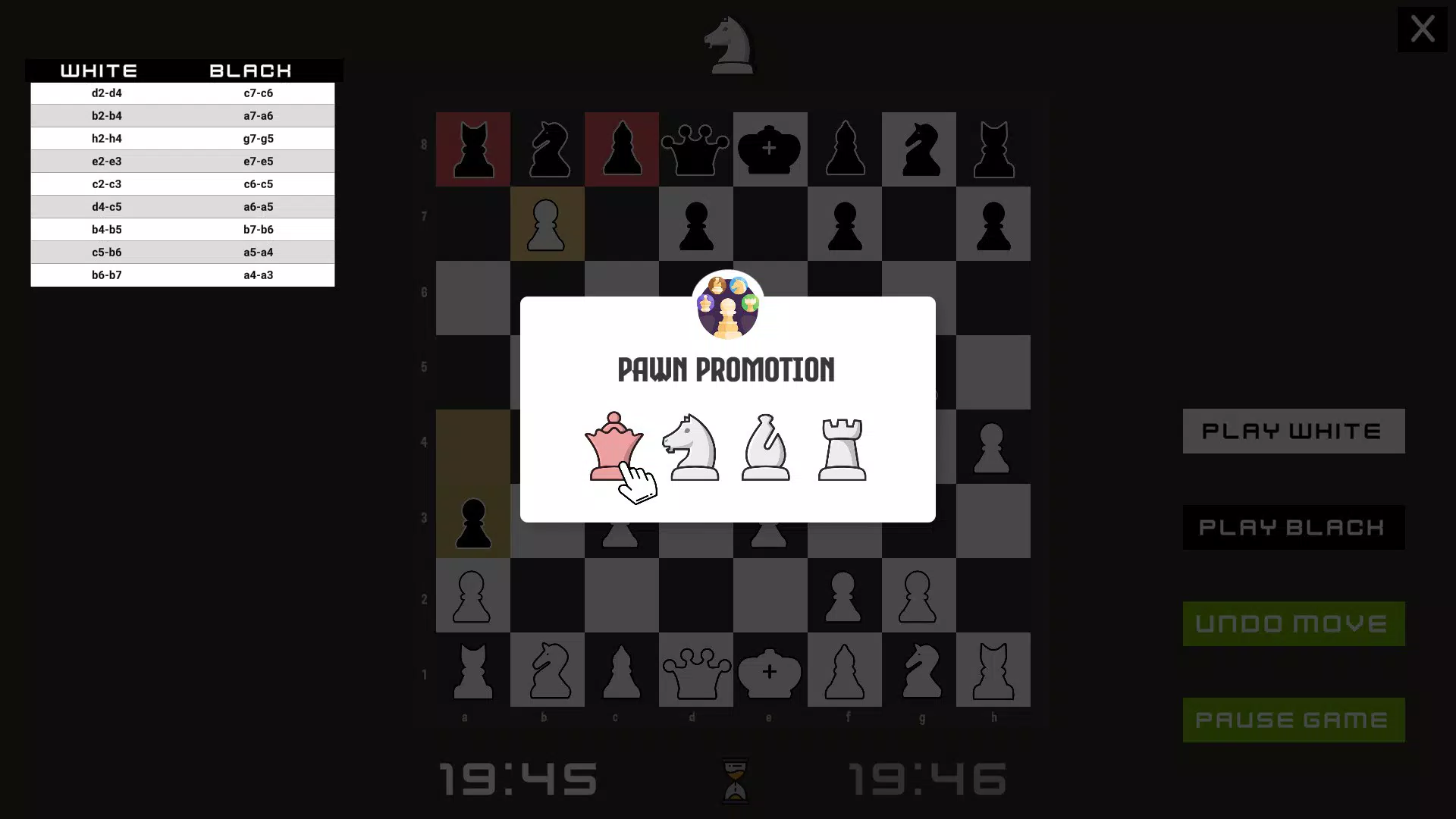
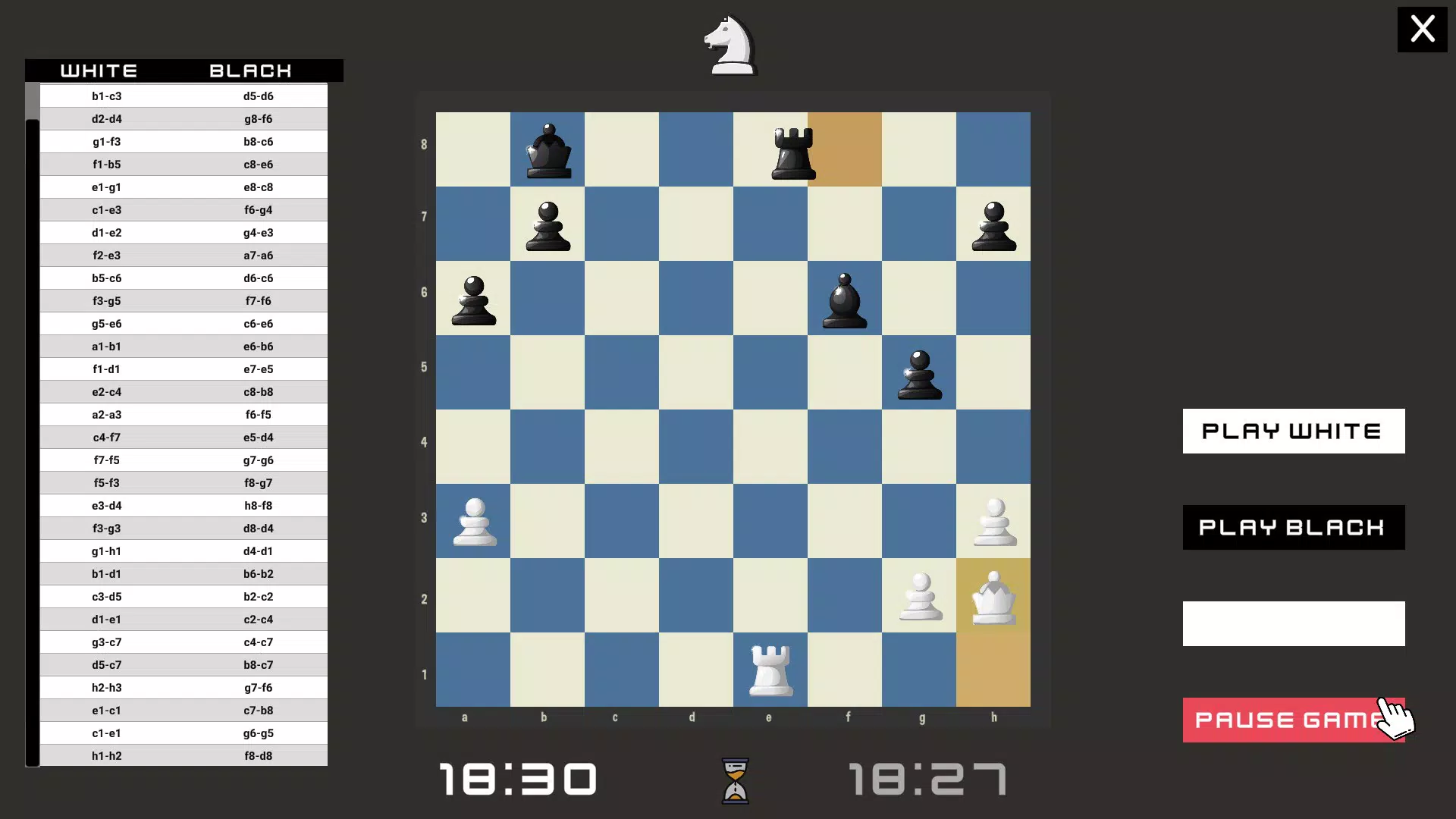
The interface of The Chess+ : PC & XBOX is designed with clarity and functionality in mind, offering a clean layout that prioritizes the chessboard and essential controls. Visual style leans toward minimalism, using subtle color contrasts and intuitive iconography to reduce cognitive load. Navigation is straightforward, with menu options logically grouped and accessible from the main screen.
Users can quickly switch between game modes, access settings, and initiate analysis without confusion. Although the developer did not list formal performance metrics, the app’s 250 MB file size suggests efficient resource usage, which typically correlates with smooth performance across various device categories. Responsiveness is expected to be consistent, particularly given the offline nature of the app, which reduces dependency on external servers.
Stability is likely high, as the absence of ads and in-app purchases minimizes background processes that could impact performance. The experience remains focused and immersive, with minimal lag during gameplay and transitions. While specific device compatibility details were not disclosed, the app’s lightweight design indicates broad accessibility across modern PCs and Xbox consoles.
Overall, the UX supports uninterrupted play, making it suitable for both short sessions and extended strategic battles.
Platform Compatibility & Technical Requirements
The Chess+ : PC & XBOX is available on both PC and Xbox platforms, offering cross-device accessibility for users within those ecosystems. The current version is 1.2.3, with a file size of 250 MB, indicating a compact installation footprint. The developer did not specify minimum OS requirements or hardware specifications, so compatibility details remain general.
However, the app’s size and offline functionality suggest it is optimized for systems with moderate resources. It is designed to run without internet connectivity, which enhances usability in environments with limited or unstable connections. The lack of detailed technical information means users should verify compatibility with their specific device models before installation.
Nonetheless, the app’s presence on both PC and Xbox implies support for a wide range of systems within those platforms. For users seeking a secure, lightweight chess tool that doesn’t require constant updates or cloud synchronization, The Chess+ provides a stable foundation for offline play.
Pros and Cons
Pros
- Ad-free and offline experience with no in-app purchases
- Adjustable AI difficulty for players of all skill levels
- Comprehensive game analysis to improve strategic thinking
- Custom board editor for targeted tactical training
- Local multiplayer support for face-to-face play
- Lightweight file size (250 MB) for efficient storage use
Cons
- Developer did not provide detailed system requirements
- Only available on PC and Xbox—no mobile or other platform support
- No cloud save or cross-device sync functionality
- Price point may be higher than free alternatives
- Limited social features beyond local multiplayer
FAQ
Is The Chess+ available on mobile devices?
The app is currently only available on PC and Xbox platforms. There is no official mobile version announced.
Can I play against friends locally?
Yes, the app supports local multiplayer, allowing two players to compete on the same device without internet connection.
Is the app safe to download and use?
Yes, The Chess+ operates offline with no ads or data collection, reducing security risks. It is developed by the Chess+ Team and available through official channels.
Does the app require an internet connection?
No, The Chess+ is designed for offline use. All features, including AI challenges and game analysis, function without internet access.
How often are updates released?
While the developer did not specify update frequency, version 1.2.3 indicates ongoing development. Users are encouraged to check for updates through their respective platform stores.
Final Thoughts + CTA
The Chess+ : PC & XBOX stands out as a focused, privacy-conscious strategy game that delivers deep gameplay without distractions. Its blend of adaptive AI, analytical tools, and local multiplayer makes it ideal for both casual players and serious learners. The lack of ads, in-app purchases, and data tracking enhances trust and immersion, while the custom board editor adds a layer of customization rarely found in free alternatives.
Although it is limited to PC and Xbox, its performance, clean design, and offline functionality make it a reliable choice for those seeking a pure chess experience. For individuals who value strategic depth, mental engagement, and uninterrupted play, The Chess+ offers strong value at its price point. If you're looking for a secure, high-quality chess tool that supports skill growth and social play, this app is a top contender.
Download The Chess+ now.


